Ever found yourself staring at a tangled mess of circuit lines, wondering if your PCB will actually work? You’re not alone. For many in the electronics world, the journey from idea to finished circuit board can feel a bit like crossing a minefield, one wrong move and you’re back to square one. But what if you could make the process smoother, faster, and less stressful? That’s where a strong CAD-CAM data flow comes in. Let’s explore how this approach can enhance efficiency for everyone involved in PCB fabrication in the UK and beyond.
Why Data Flow Matters in PCB Design
Printed circuit boards (PCBs) are everywhere, from your phone to your fridge. But making them isn’t just about drawing lines and dots. It’s about getting every detail right, from the first sketch to the final assembly. If you’re working with PCB circuit board manufacturers or handling your own PCB printed circuit board assembly, you know how easy it is for things to go wrong.
A strong CAD-CAM data flow bridges the gap between design and manufacturing. It helps you avoid mistakes, save time, and reduce stress. Let’s break it down, step by step.
What is CAD-CAM Data Flow?
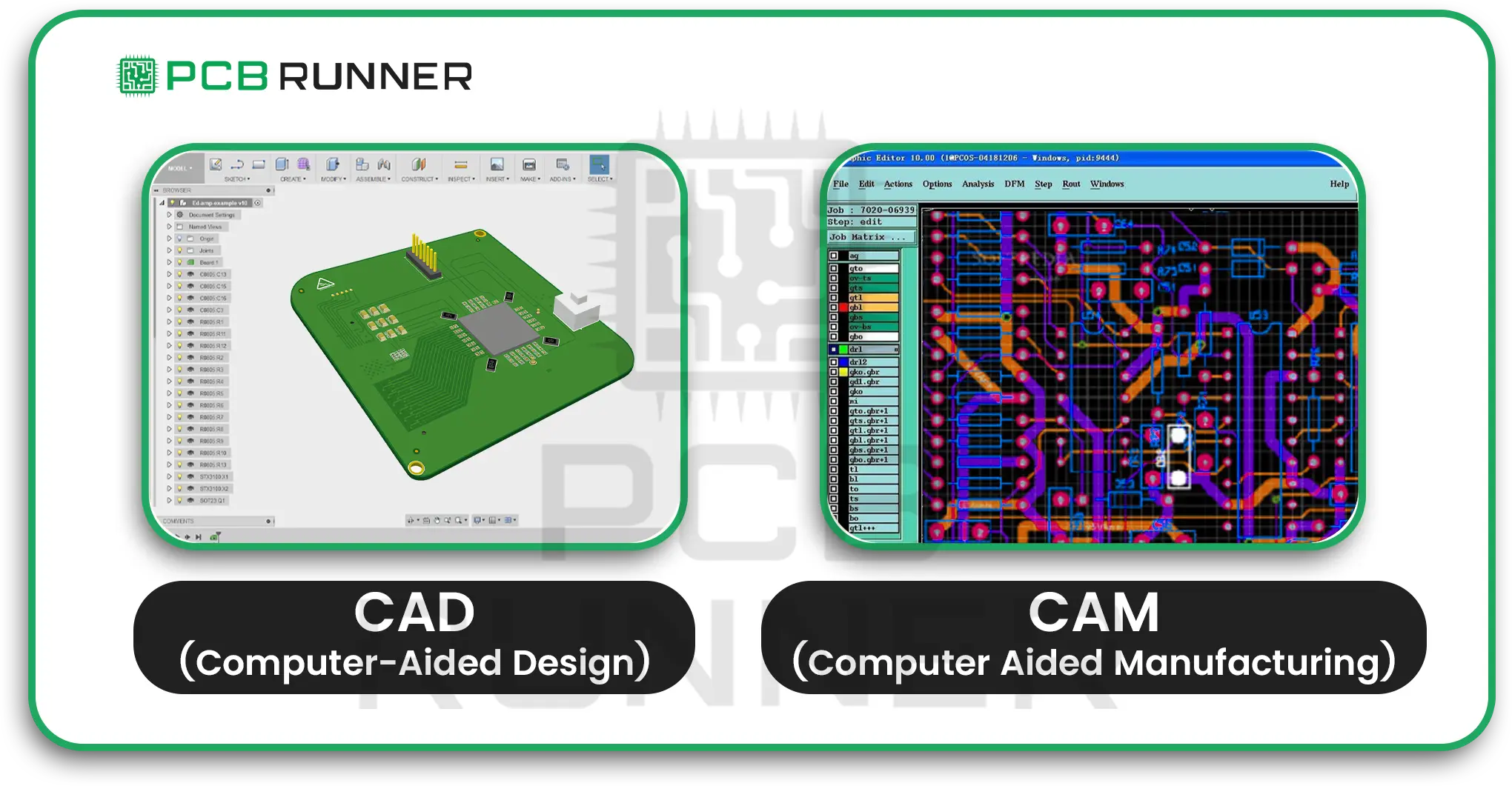
- CAD stands for Computer-Aided Design. This is where you create your circuit board using PCB design software or PCB board design software.
- CAM is Computer Aided Manufacturing. This is where your design becomes a tangible product.
Data flow refers to the process by which information moves from one stage to the next. If your data flow is weak, you risk errors, delays, and wasted money. If it’s strong, you get a board that works, first time, every time.
The Common Fears in PCB Design
Let’s be honest. PCB design can be nerve-wracking. Here are a few worries that keep designers up at night:
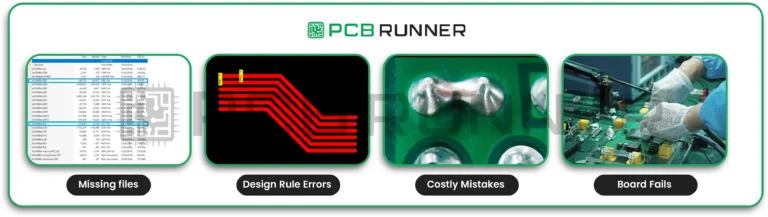
- Did I forget a layer? Missing files can halt production.
- Are my traces too close? Design rule errors can make the board unusable.
- Will the manufacturer understand my files? Miscommunication leads to costly mistakes.
- What if my board fails the testing? Redesigns mean lost time and money.
These fears are real. But with better CAD-CAM data flow, you can put most of them to rest.
How a Strong Data Flow Makes Life Easier
A good data flow is like a well-oiled machine. Every part works together, and nothing gets lost along the way. Here’s how it helps:
- Clarity: Everyone knows what’s expected.
- Fewer errors: Problems are caught early, not after the board is made.
- Speed: Less back-and-forth, so you meet your deadlines.
- Confidence: You know your design will be built as planned.
Key Steps to Improving CAD-CAM Data Flow
1. Choose the Right Tools
Start with reliable PCB drawing software or PCB design software. These tools help you stick to the rules and catch errors before they become problems. Popular options in the UK include DesignSpark, Altium, and others.
2. Keep Your Files Organised
Give your files clear names. Keep all layers, copper, silkscreen, solder mask, and drill, in one folder. This makes it easy for PCB circuit board manufacturers to find what they need.
3. Check Early, Check Often
Design rule checks (DRC) in your software. This is like spellcheck for your design. It spots problems before you send your files off.
4. Communicate Clearly with Your Manufacturer
Share all your files and notes. If you’re working with PCB fabrication experts in the UK, ask for their preferred file formats. Some companies offer instant quotes and 24-hour support, making it easier to get your questions answered quickly.
5. Use Visual Tools
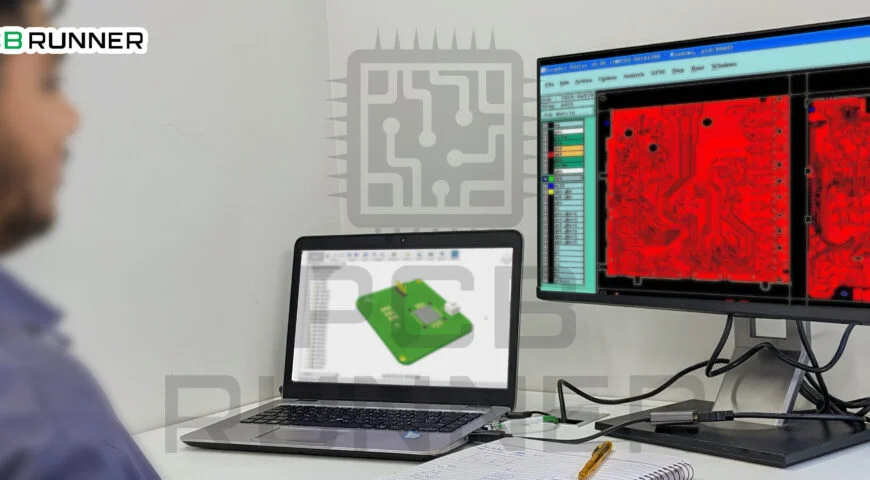
Many PCB board design software packages let you preview your board in 3D. This helps you spot mistakes before production starts.
6. Review and Revise
Before you hit send, double-check everything. Ask a colleague to review your design. Two sets of eyes are better than one.
Product Highlights: What Makes a Good PCB Design Tool?
When choosing PCB drawing software or PCB board design software, look for:
- Easy-to-use interface: You shouldn’t need a degree to use it.
- Built-in checks: Automatic design rule checks save time.
- File compatibility: Works with the formats your manufacturer needs.
- 3D previews: See your board before it’s built.
- Good support: Help when you need it, day or night.
Tips for Different Types of PCB Designers
For beginners:
- Start simple. Use basic features until you’re comfortable.
- Don’t be afraid to ask for help. Many manufacturers offer free advice.
- Watch tutorials. There’s no shame in learning from YouTube.
For experienced designers:
- Explore advanced features like impedance control and high-speed routing.
- Customise your libraries for faster design.
- Share tips with your team to keep everyone up to speed.
For teams:
- Use cloud storage or secure FTP to share files safely.
- Hold regular design reviews. Catch mistakes before they become problems.
- Document your process so new team members can jump in quickly.
Common Pitfalls and How to Avoid Them
- Incomplete files: Always double-check you’ve included every layer and note.
- Ignoring manufacturer guidelines: Follow their rules for file formats and design specs.
- Skipping design checks: Don’t rely on luck. Use your software’s checking tools.
- Poor communication: If you’re unsure, ask. It’s better to ask twice than get it wrong.
The Role of PCB Manufacturers in Data Flow
Good PCB circuit board manufacturers do more than just make boards. They help you spot problems, answer questions, and guide you through the process. Some even offer design services, enabling you to receive assistance with complex layouts or special requirements.
PCB fabrication UK companies often provide:
- File reviews: They check your files before production.
- Quick Quotes: Know Your Costs Upfront.
- Tech support: Get answers when you need them.
- After-sales service: Help if something goes wrong.
The Future: Smarter, Faster, Better
As technology improves, so do our tools. Modern PCB design software is becoming increasingly intelligent, with features such as real-time collaboration and automatic error correction. This means fewer mistakes and faster turnaround times.
Stronger CAD-CAM data flow isn’t just a nice-to-have. It’s the key to building better boards, faster, and with less stress.
Final Thoughts
Improving PCB efficiency is all about making life easier for everyone involved. Whether you’re a hobbyist, a student, or a seasoned engineer, a strong CAD-CAM data flow helps you get the job done right. Use good PCB design software, keep your files organised, and communicate clearly with your manufacturer. You’ll save time, avoid headaches, and end up with a board that works, first time, every time.
So, next time you sit down to design a PCB, remember: a little extra care at the start can save you a world of trouble later on.